
By default TaroWorks Enterprises comes with some Reason codes that are found both in the Inventory Adjustment and Inventory Movement objects. These are the default reason codes.
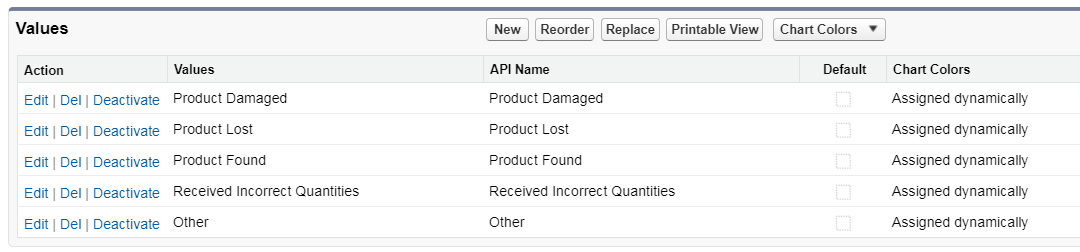
If you'd like to add your company specific reason codes, you will need to add them to both the Inventory Adjustment Object and Inventory Movement Object. Here are steps on how to add a custom Reason Code.
- Go to Setup.
- Click Object Manager.
- Click on Inventory Adjustment.
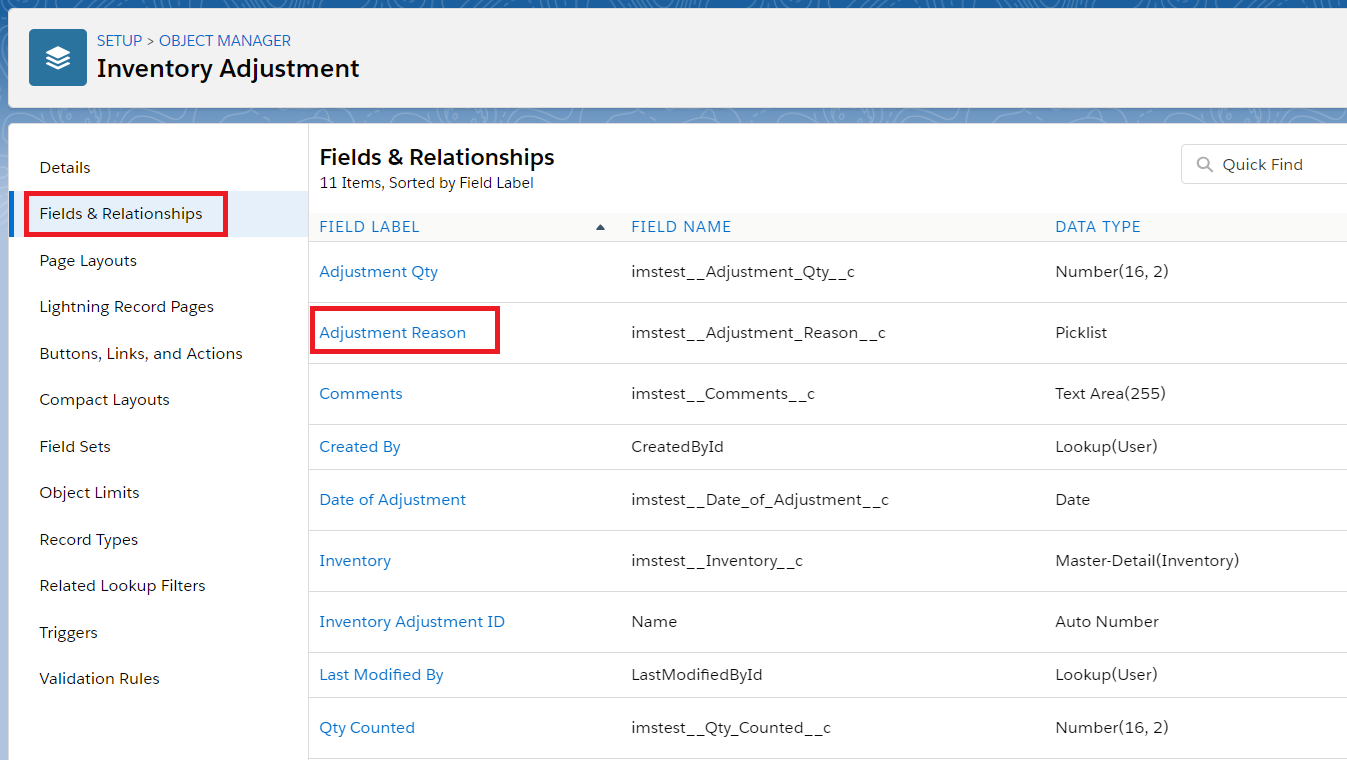
- Got to Fields & Relationships & Select Adjustment Reason.
- Scroll down and you will see the Values that currently exist by default. If you'd like to add your own values click New.

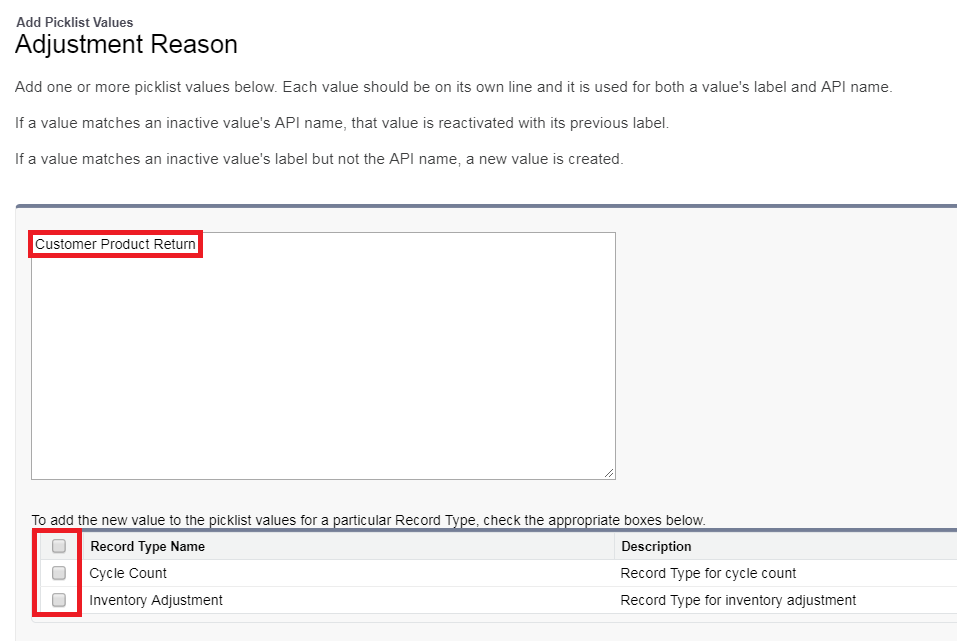
- Add a pick-list value (you can add more than one in separate lines) and select whether you want to add it to Inventory Adjustment or Cycle Count Record Types, or both.
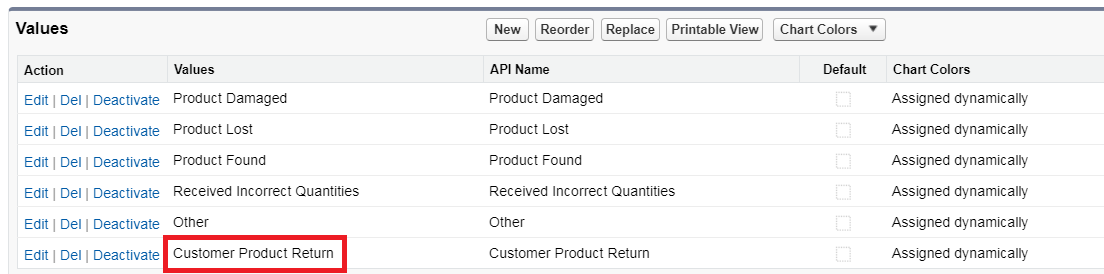
- The new reason code should be visible now.
- And it becomes available in the front end and you can add it to TaroWorks Form
- Add this reason code to the Inventory Movement object as well.
Comments
0 comments
Article is closed for comments.